
One Size Doesn’t Fit All


Consistent Social Media Branding
If you’re creating one graphic and publishing it across every social channel, it’s time for a rethink and a good slap on the wrist. We’ve all seen it – an Instagram post with text chopped in half or a Facebook cover photo where the key message disappears behind the profile picture. 🫣
Every platform has its own specs, layouts and quirks. What looks great on your desktop may get cropped on mobile. A story graphic won’t display the same as a feed post. Those little details matter to create consistent social media branding.
When you take the time to size your graphics correctly, you’re making sure your audience sees your entire message. Clean visuals lead to stronger engagement and a more polished brand presence.
Canva makes it super easy to design once and resize for Instagram, Facebook, LinkedIn, YouTube and beyond with just a couple of clicks. No more guessing; no more cut-off text. Just intentional design that fits to spec.
Pro-Tip: Design with guides in your next Canva project to ensure you have consistent social media branding!
Below are example graphics with guides in place for reference and a list of specs for Instagram, Facebook and LinkedIn. Read more about adding guides to a project here.

LinkedIn post + guides
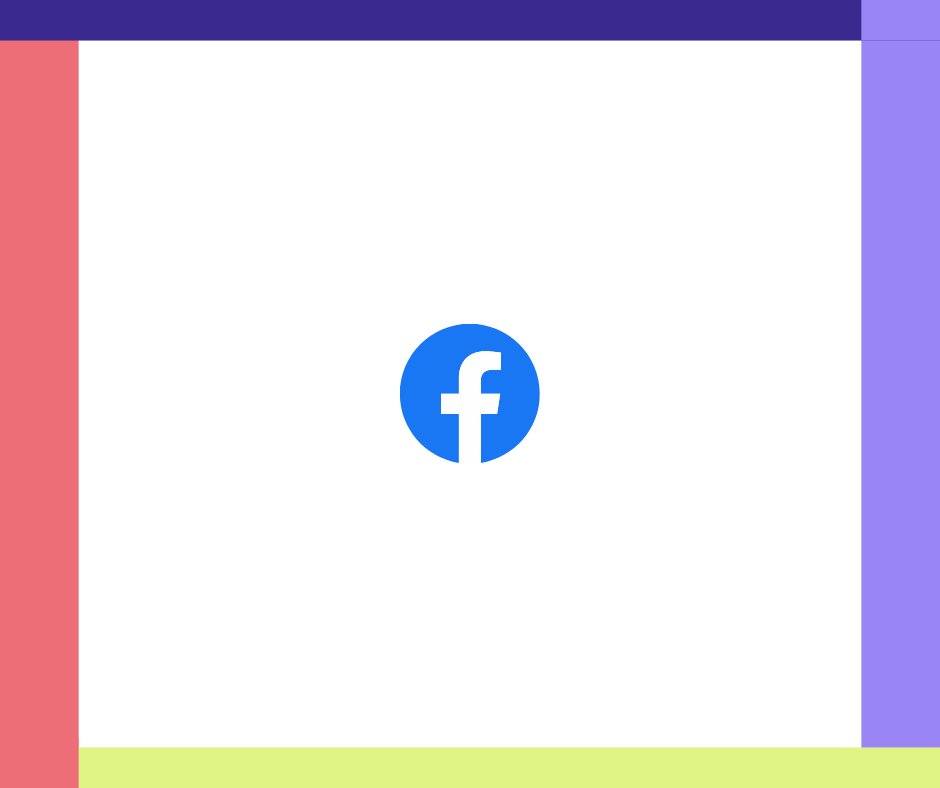
Facebook post + guides
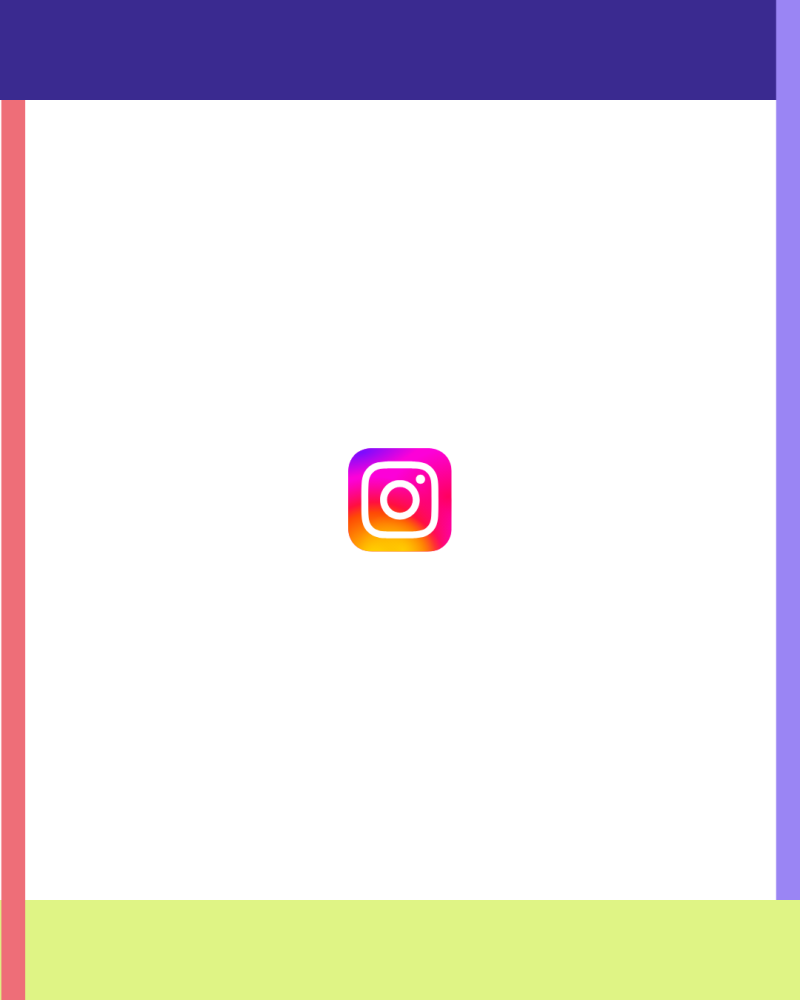
Instagram post + guides
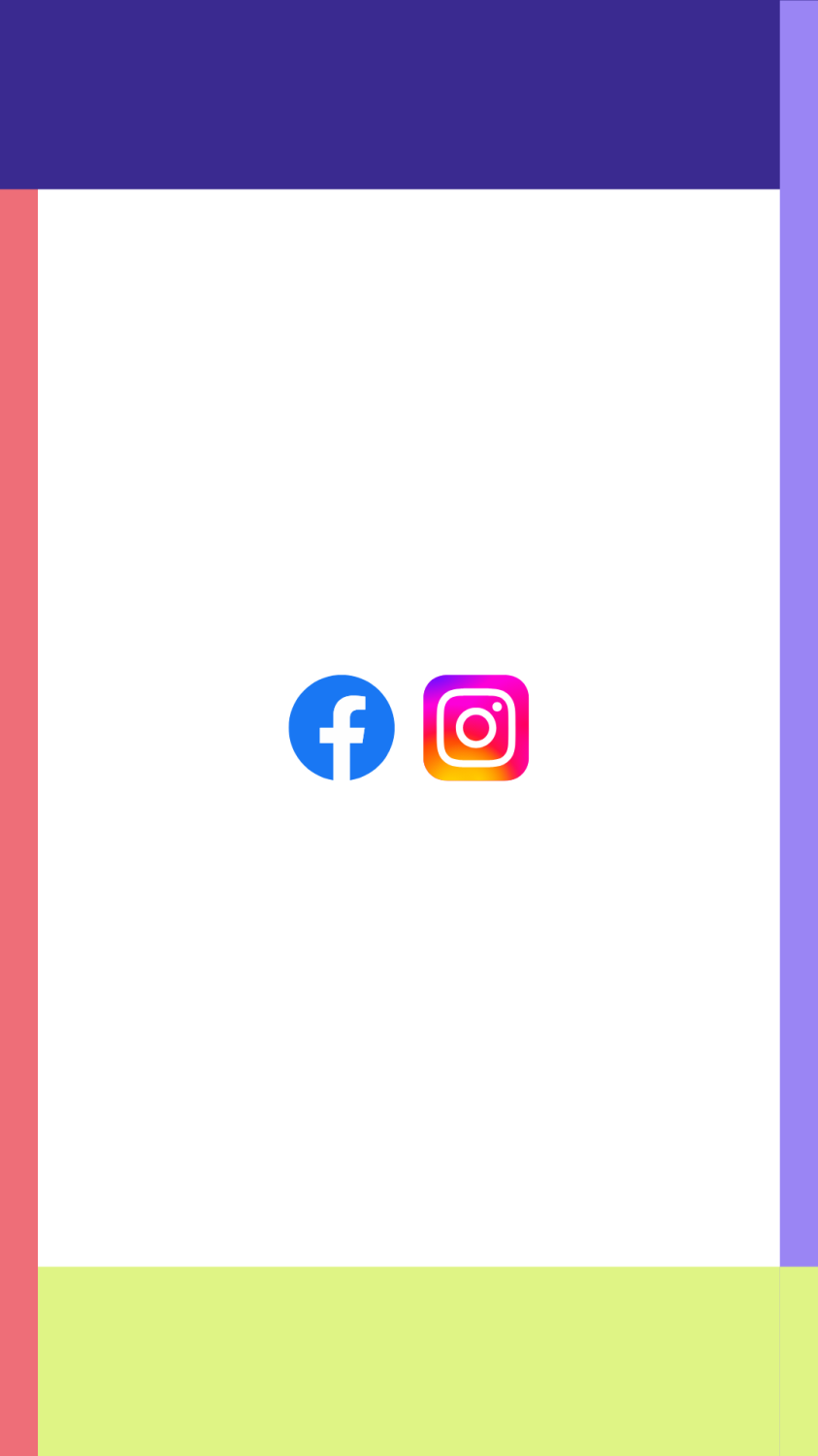
Facebook/Instagram Story + guides
Your message deserves to stand out everywhere it’s shared. Spend the extra few minutes on sizing — it’s one of the easiest ways to elevate and ensure consistent social media branding.
Basic image sizes by platform (in pixels)
- Profile photo: 320×320
- Landscape: 1080×566
- Portrait: 1080×1350 with a 4:5 aspect ratio
- Stories & Reels: 1080×1920
- Profile photo: 320×320
- Landscape: 1080×788
- Square: 1080×1080
- Portrait: 1080×1359
- Stories & Reels: 1080×1920
- Cover photo: 851×315
- Profile photo: 400×400
- Square: 1080×1080
- Landscape: 1200×627
- Portrait: 627×1200
- Cover photo: 1128×191